Your professional image collection

The right image.
Your direction.
A collection that grows.

Create purposeful visuals for websites, brochures, products and campaigns. Guided choices help you build a collection, refine a detail and create more from the work you have already done.

Amber serum bottle with ivory label on travertine in natural sunlight
For solo creators and small businessesFor designers, studios and agenciesSubject-specific guided creationSaved collections and useful variations
4kUp to 4,000 selections per generator
AIGuidance in each section and a full help system
2T+Over 2 trillion potential combinations per generator
SaveBuild collections and return to refine them

Illustrative commercial examples appear throughout this page. Combination capacity describes creative choices, not the number of generators.


From an image need to a clear visual brief

Images for the work you actually do.

A homepage needs a strong lead image. A brochure needs a coherent set. A product range needs a recognisable direction. Professional helps you make those choices deliberately, instead of starting again with a new general prompt every time.

A website that feels like your business

Create hero images, supporting editorial visuals, service illustrations and campaign imagery around the purpose of the page. Guide the subject, environment and brand position so the image belongs with the message.

A collection, not a one-off result

Build related images for a brochure, catalogue, seasonal campaign or content series. Save the underlying choices, organise the results and return when you need another image that fits the same direction.

Useful for one person or many briefs

A solo creator can develop their own visual material. A studio or agency can keep distinct collections and starting points for different briefs, then revisit the right work without rebuilding every selection.

Control without prompt guesswork

Start with the generator that fits your subject. Its guided sections explain what you can change, while AI guidance and optional custom descriptions help translate your idea into a specific visual direction.

A focused generator, not one generic form

Open what you need. Keep the rest out of the way.

A product-image generator, for example, helps you define the product, its materials, presentation and setting. The six sections below illustrate how those choices can be organised, not a universal form for every subject. Each generator has fully customised choices within its layers. Sections start collapsed, so you can work through the relevant details without facing one long open form.

01Primary visual identity

Set the main subject, visual format, commercial purpose, brand position and intended audience. This example starts by deciding what the image needs to communicate.

02Subject and supporting elements

Shape the subject, materials, styling and supporting assets. A product brief needs different choices from a portrait or an interior, so the controls are tailored to the generator.

03Presentation and output

Guide how the subject is presented, framed and composed. Keep the image focused on its role in a website, brochure, campaign or other visual placement.

04Environment and scene

Choose the setting, surrounding materials, atmosphere and the relationship between subject and environment. Direct the scene without losing the subject choices you have already made.

05Visual detail and refinement

Refine surface expression, visual richness and detail. Adjust the finish of the image while keeping the established commercial direction and structure.

06Camera and rendering

Guide camera viewpoint, lighting and final presentation. These choices help a related image feel more editorial, more product-focused or better suited to its intended placement.

Help where you are working

A full guided help system explains what the choices do, when to use them and how they contribute to the image. You do not need to learn a list of prompt tricks before you can start.

AI guidance in each section

Ask for help shaping the visual you want and refining the choices in the section you are using. The guidance supports your brief, rather than replacing it with a generic image idea.

Commercial visuals across your working world

One system. Many image needs.

Product and e-commerce imagery, branding and campaigns, fashion, creator content, interiors, publishing and education all benefit from a clear subject and a reusable visual direction.

Amber serum bottle with ivory label on travertine in natural sunlight

Product Campaign

Product heroes, e-commerce listings, launch visuals and lifestyle imagery. Shape the object, materials, scene and presentation around the product you need to show.

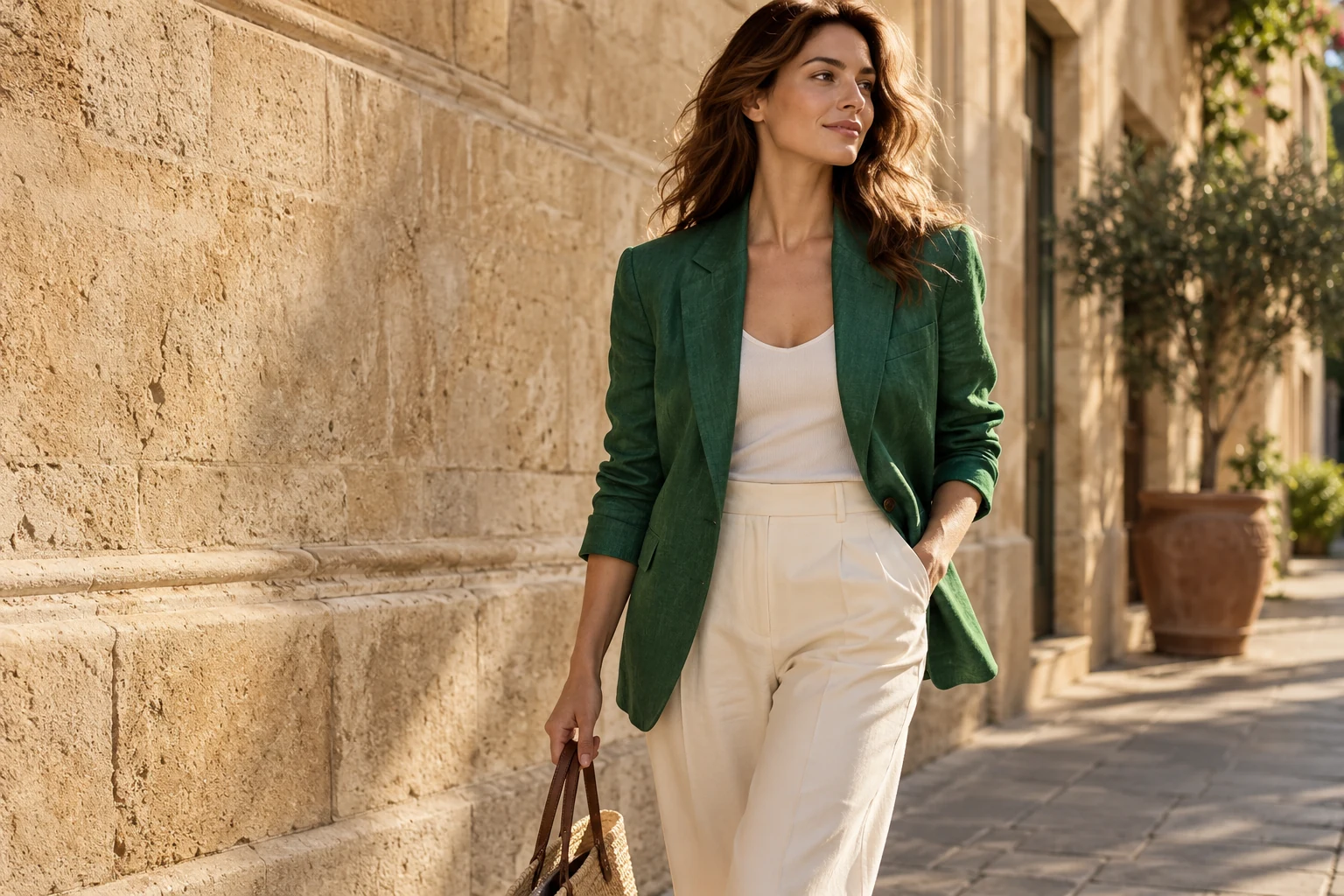
Woman in emerald linen blazer and cream trousers beside sandstone

Fashion Lookbook

Build apparel concepts, seasonal collections, lookbook visuals and lifestyle campaigns. Keep the garment and styling direction while developing useful alternatives.

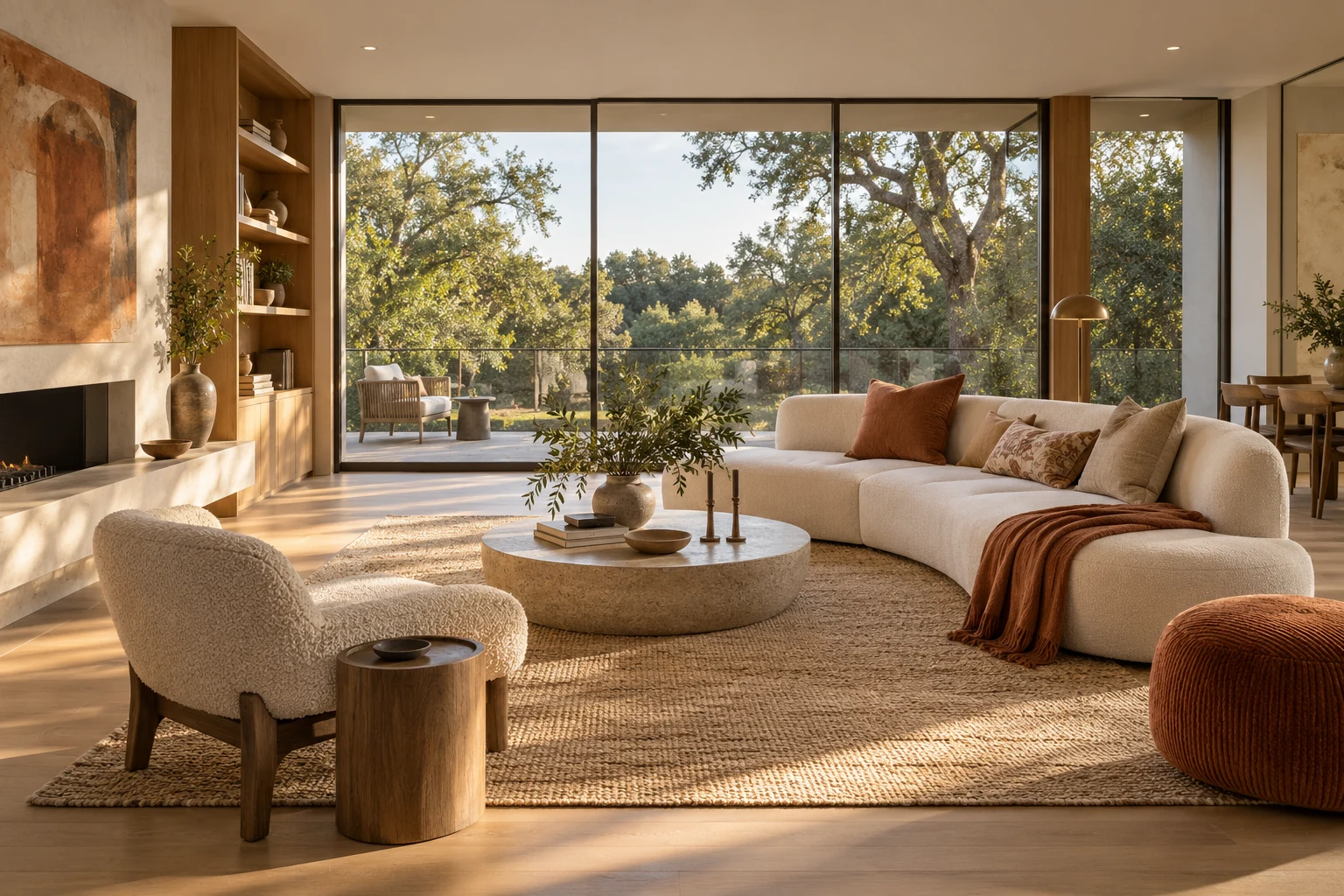
Contemporary oak and cream living room overlooking leafy trees

Interior Presentation

Create interior concepts, architectural atmosphere and property presentation imagery. Guide materials, furnishing, lighting and the mood of the space.

Three professionals collaborating over visual concept sheets

Business Editorial

Develop relevant imagery for an agency website, corporate brochure, presentation or editorial story. Direct the subject, activity, audience and commercial tone.

Ceramic artist working at a pottery wheel in a sunlit studio

Creator Content

Create channel covers, course visuals, social posts and campaign assets around a clear subject. Build a repeatable visual direction for an ongoing content series.

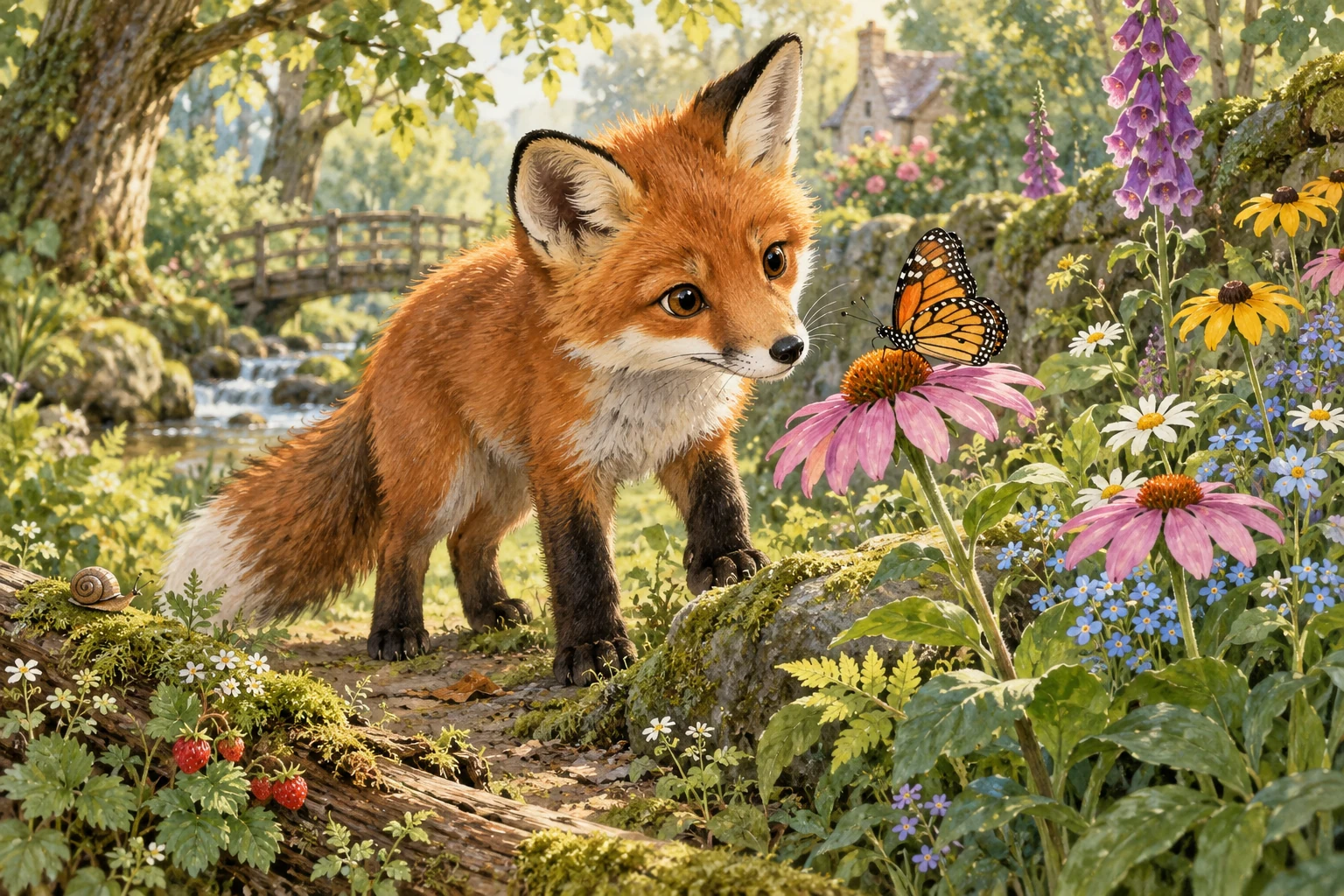
Painterly red fox watching a butterfly in a woodland garden

Story Illustration

Develop publishing, educational and illustrated story collections. Explore a consistent subject and visual style across related scenes and supporting artwork.

Illustrative images showing the types of commercial visual briefs you can develop.

Create once, keep developing the collection

A new detail does not mean a new starting point.

Imagine a product collection with an established bottle, materials and photographic direction. Reopen the build, change the label colour or background, and generate another version while your unedited design choices remain in place.

Amber serum bottle with ivory label on travertine in natural sunlight

Original direction

Establish the product, materials, setting and photographic mood.

Amber serum bottle with coral label in the same product scene

Label colour variation

Explore a coral label while keeping the product and wider direction.

Amber serum bottle with ivory label against a powder-blue background

Background variation

Try a powder-blue backdrop for another part of the same collection.

Illustrative collection showing selected variations. Saved configurations preserve your unedited choices; each new generation remains a new image.

Purposeful control at every stage

Change the part you mean to change.

Professional is built around structured, subject-specific creation. You can refine the design choices behind an image instead of rewriting an entire general prompt and hoping the rest of your idea survives.

Selections and your own detail

Each generator offers up to 4,000 selections, with optional custom descriptions for details that need your own words. Choose the controls relevant to your brief and skip those that do not apply.

Keep the established direction

Change a garment colour, product material, background or presentation without clearing the rest of your saved configuration. Your unedited design choices remain in place for the next generation.

A different image from the same brief

Generate a variation from retained settings when you need another interpretation of the same direction. Build alternatives for a content series, campaign or collection without starting from a blank configuration.

A vast space of creative choices

Over 2 trillion potential combinations per generator provide room to explore the subject, presentation and environment. Combinations are distinct from the number of generators in the library.

Find the right starting point

A specialist library that meets your brief.

Search for the subject or role you need, browse by category or use the A-Z filter. The library covers professional, independent and creative uses, with focused generators instead of one mixed-purpose form for everything.

Marketing and branding

Campaign key visuals, brand photography direction, product launches, website headers and supporting advertising imagery.

E-commerce and products

Product displays, packaging concepts, lifestyle product scenes, catalogue imagery and detail-focused presentations.

Fashion and lifestyle

Apparel concepts, tailored garments, seasonal collections, lookbook direction and lifestyle campaign visuals.

Social and creator content

Creator portraits, channel imagery, course covers, social campaign sets and repeatable visual series.

Architecture and interiors

Interior concepts, architectural atmosphere, environments, exterior direction and property presentation imagery.

Publishing and education

Editorial illustration, story collections, cover concepts, learning material and presentation visuals.

Different subjects, different depth

A family can contain a small focused set or a much broader range of specialised generators. Choose the one that fits the item, person, setting or commercial purpose you want to develop.

Find the visual you need

Look for a clear subject or intended visual. Then use the generator-specific layers to shape that brief, with guidance and custom detail available as you need them.

Your continuing visual workspace

Keep the choices behind the collection.

Your work does not disappear when an image is created. Saved builds, presets, templates and configuration history let you continue a direction and organise the results around the projects you care about.

Collections with a purpose

Group related builds for a product range, brochure, website, creator series or client brief. Keep the visual work together so it is easier to return to the right starting point.

Continue the same build

Reopen the generator with your saved settings. Refine the specific choice you want to change, generate the next image and keep developing the collection.

Presets for repeatable work

Save configurations you want to reuse. A preset can provide the starting direction for another related image, saving the time spent choosing the same settings again.

Quick Edit and useful alternatives

Adjust camera, lighting and style through Quick Edit, or generate a variation from the same configuration. Each new generation becomes another build you can return to.

Build a useful set, not an isolated picture

From the lead image to the supporting material.

Develop visual collections around the work you need to deliver, then continue the same direction when the next page, season, product or campaign needs more.

Woman in emerald linen blazer and cream trousers beside sandstone

A collection for a season

Start with a garment and styling direction, then develop related images for a lookbook, website and campaign. Save the choices that hold the collection together.

Ceramic artist working at a pottery wheel in a sunlit studio

Content that keeps working

Build a subject-focused visual series for a creator, course or small business. Return to the collection when you need another cover, supporting image or new interpretation.

Optional image animation

Animate a generated image when your visual brief needs motion as well as stills. Animation uses separately purchased credits, allowing you to choose which images you want to develop further.

Designed around the intended use

Guide composition and presentation for the material you are making. A website hero, brochure visual, product image and course cover can share a direction while serving different roles.

Part of your connected VISINVOKE collection

More tools around the image work.

Professional works through your VISINVOKE account. Explore the individual product websites for the other systems that suit your work, with each product retaining its own access model.

One connected account

Use the central account for your VISINVOKE collection. Desktop Command Centre is the separate command point for supported Windows products.

Choose the tools that fit

Image creation, planning, evidence and business operations solve different jobs. Use the individual systems that fit your project, from visual development and content planning to customer work and reference capture.

Connected-product artwork illustrates capability, not software UI or an in-product output claim.

VISINVOKE means value. Quality. Ownership. Rewards.

VISINVOKE means value. Quality. Ownership. Rewards.

01

Quality

Purposeful choices, specialist visual direction and a continuing workspace help you create material that earns its place in the project.

02

Ownership

Free tools, owned desktop software and subscription image services retain their individual access models. Choose the products that suit your work.

03

Clarity

Image plans, generation credits and optional animation are separate choices. The account shows the plan, credits and terms that apply before you purchase.

04

Rewards

Eligible product programmes can add ongoing value. Your account makes the pricing, entitlement and programme rules visible.

Choose capacity for your workflow

From a first collection to production at scale.

Each Professional plan includes the monthly generation credits shown below. Prices are in USD, billed monthly. Create a free account to choose the access and capacity that fit your work.

Other access and billing choices

The account also shows unified VISINVOKE plans, Professional credit packs and six-month or twelve-month billing choices. Compare the included access and credits for your actual image workload.

Generation and animation credits

Draft uses 1 credit per image, Refined uses 2 and Final uses 4. Optional animation uses separate animation credits. Review the credit cost and applicable terms before generating or purchasing.

A few clear answers

Know how your image work continues.

Guided creation gives you a purposeful starting point. Saved choices and collections make it useful again for the next image.

Who is the Professional Image System for?

Anyone who needs purposeful images, from a solo creator or small business to a designer, studio or agency. Create visual material for websites, brochures, campaigns, product collections, publishing, social content and presentations.

Do I need to write a complicated prompt?

No. Choose a focused generator, work through its customised sections and select the details that matter to your brief. AI guidance in each section and a full guided help system support you, with optional custom descriptions for extra direction.

Are the example sections the same in every generator?

No. A product-image generator offers choices relevant to the product you want to show. A fashion, interior or illustration generator offers choices relevant to that subject. Every generator has fully customised choices within its layers.

Can I change one detail and keep the rest of my build?

Yes. Reopen a saved build and change the selected detail without clearing your other design choices. You can change a label colour, background, material or presentation and generate a new image from the retained configuration.

Can I build collections and create more variations?

Yes. Organise saved builds into collections, reuse presets, continue earlier configurations and generate variations. Keep separate starting points for a product range, brand direction, content series or client brief.

Do I need Desktop Command Centre to create images?

No. Professional image creation works in your browser through your VISINVOKE account. Desktop Command Centre is a separate hub for supported Windows products. Create a free account first, then choose the image access and credits that suit your work.

Three professionals collaborating over visual concept sheets

Continue in VISINVOKE

Your next collection starts with one account.

Create a free VISINVOKE account. Choose the Professional image access that fits your work, then start a focused build and develop your collection in the browser.

Create accountChoose accessBuild imagesKeep refining
Create a free VISINVOKE account